Travel Guide
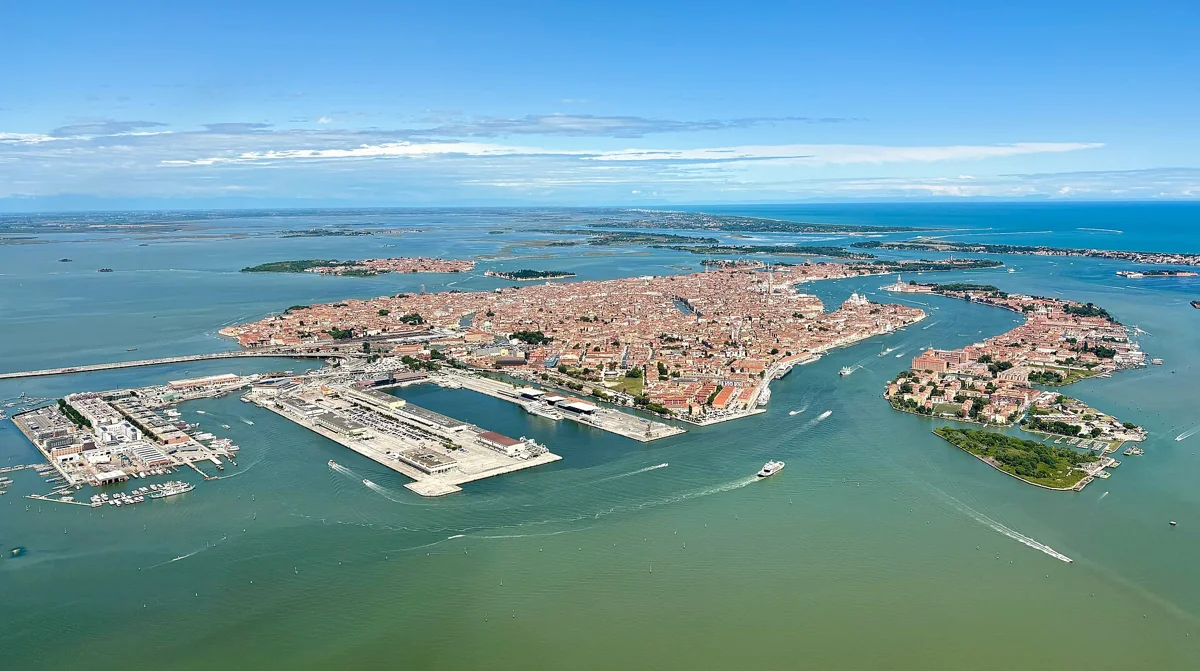
Getting to Venice
Make the arrival part feel easy
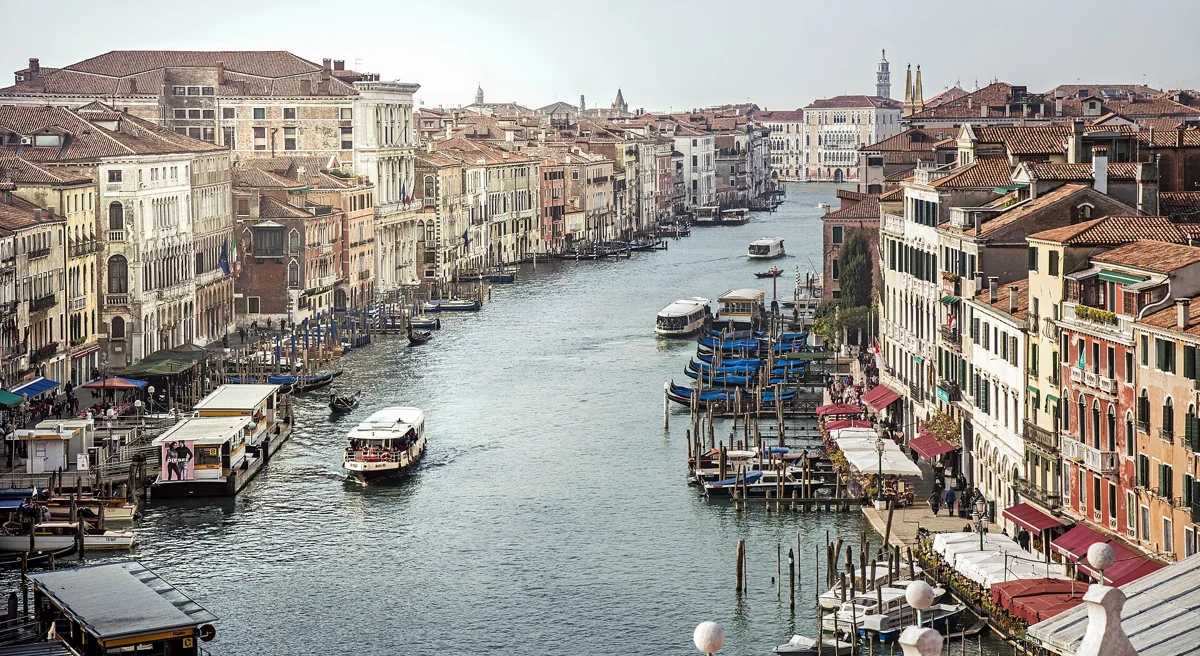
Plan your Venice trip
Arrivals, boats, places to stay and the practical questions that make a visit easier. Start here, then let the city surprise you.
Begin with the time you actually have and the places that matter most to you. Venice rewards a slower plan: choose one area for each part of the day instead of crossing the historic centre repeatedly. For a first visit, compare the major sights in Venice, then use our six-sestieri guide to add a quieter walk nearby.
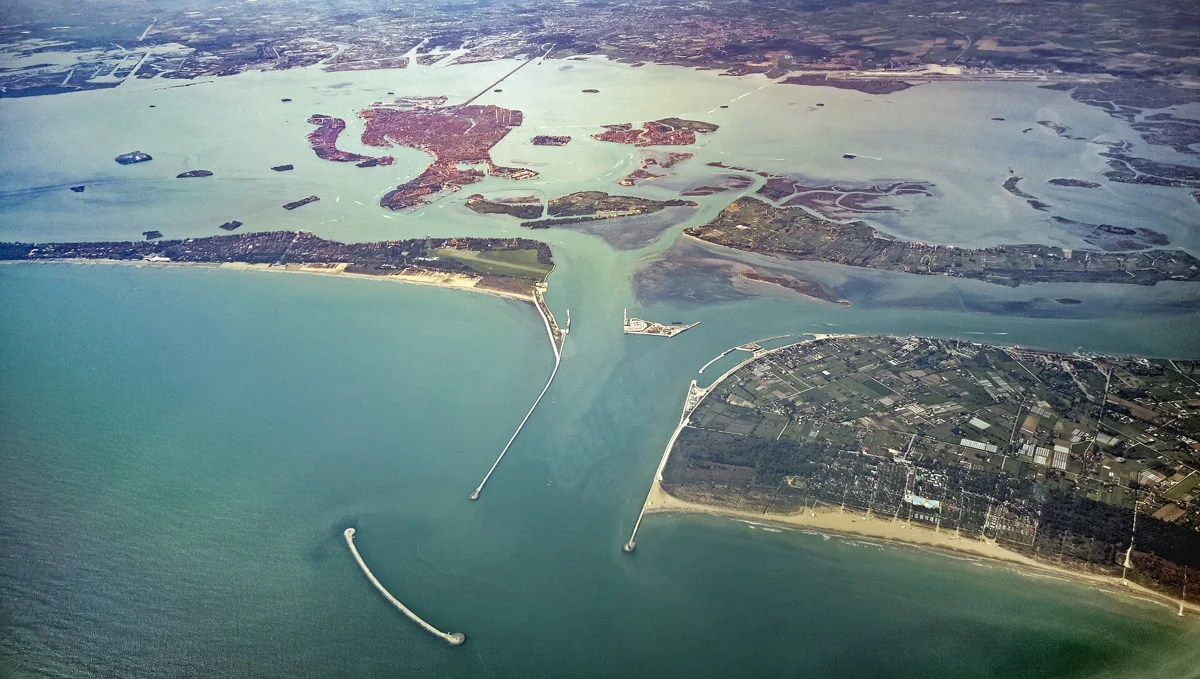
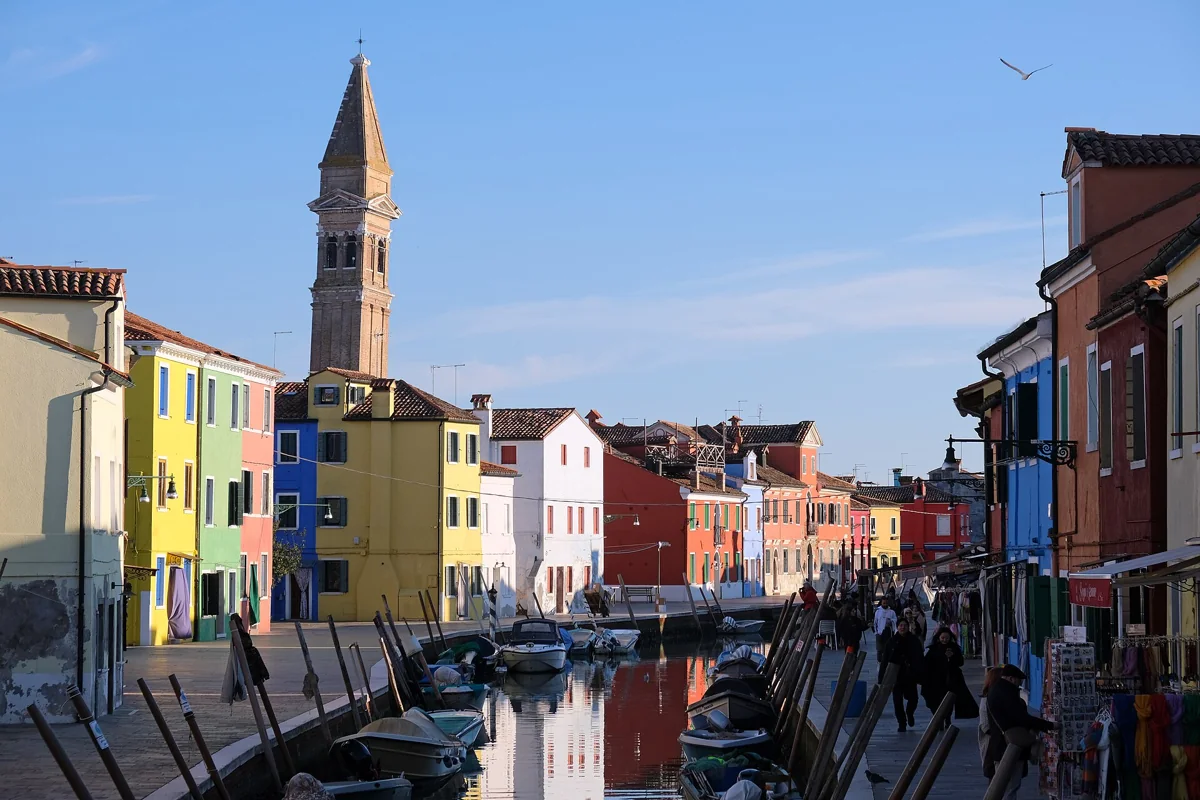
If you want to see the lagoon, choose islands for their character rather than trying to visit them all. Murano is associated with glassmaking, Burano with lace and its colourful streets, while Torcello offers a very different sense of the lagoon’s earlier history. Read the Venice islands guide and check the current ACTV or Venezia Unica transport information before setting your route; water-service times and connections can change.
Before you leave, confirm opening hours and entry conditions with each museum, church or attraction. Check the Municipality’s Access Fee portal for current dates, registration and exemptions: the rules are date-specific and may not apply to your visit. Our Venice itineraries and events calendar can help you shape the remaining time around your interests.
For public transport, consult Venezia Unica’s current information and the operator’s notices, rather than relying on an old timetable or fare shown elsewhere.
Make the arrival part feel easy
On foot, on water, at your own pace
Choose the Venice you want to wake up in
A different city in every season
Taste the city beyond the postcard
See the city at water level
Check the rule for your actual travel date
A remarkable place, and somebody’s home
Build the route around your needs
Small discoveries, big memories
Let the city draw you indoors
Follow the light, leave room for life
No guides match that search. Try another word or clear the field.
Your next chapter