Accessible Venice
San Marco at your own pace
A focused visit to the square, with an optional museum stop.
Distance: not surveyed. No verified maximum gradient or minimum passage width is available for these routes.
Google Maps
Opens Google Maps; no map is loaded until you open a link.
Route stops
Open route in Google Maps ↗Google may suggest a different route or omit intermediate stops. Its walking directions do not certify wheelchair access. Follow the route notes and confirm barriers before travelling.
Route and stops
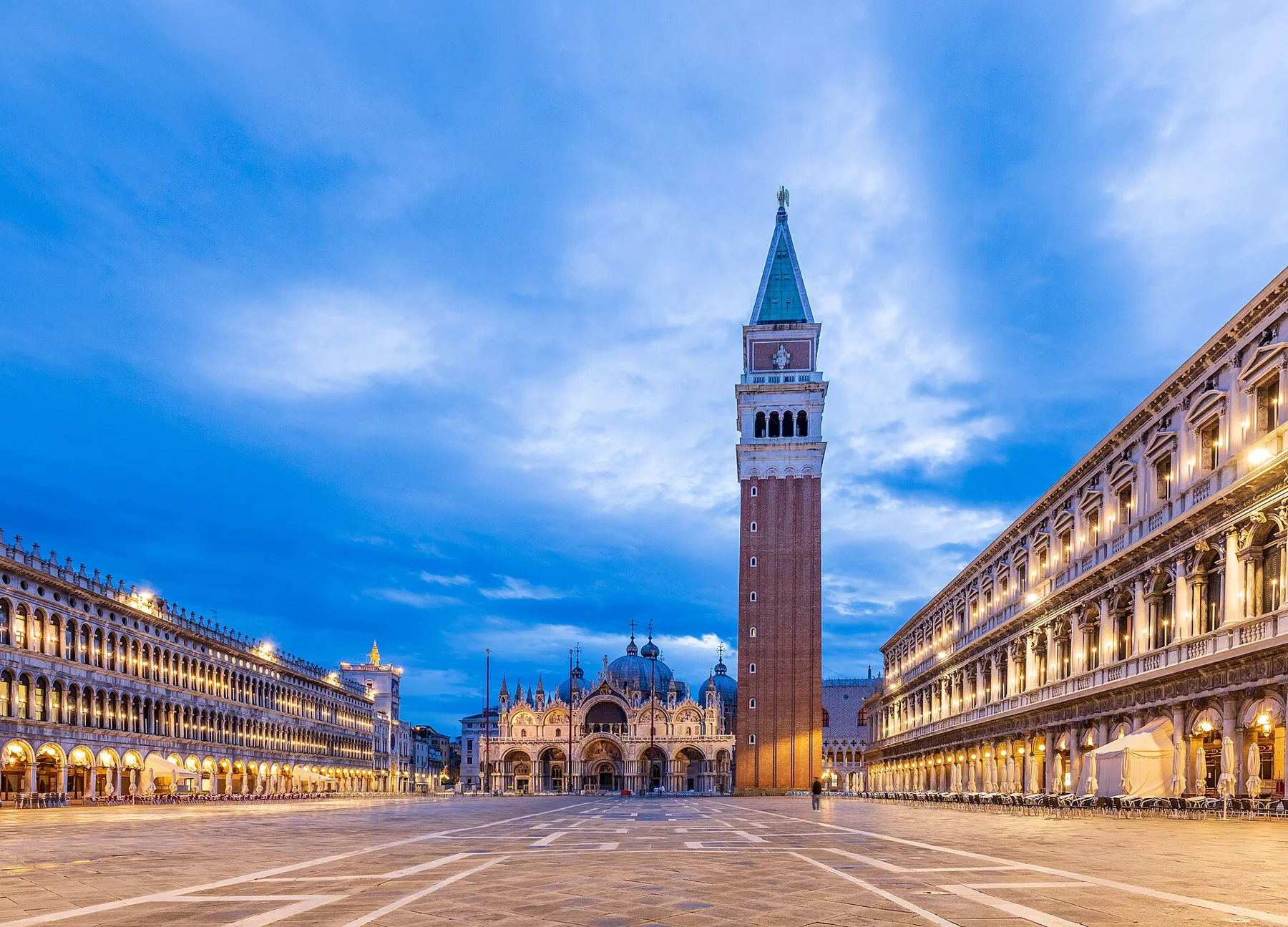
Start at San Marco Vallaresso. The municipal route uses Calle Vallaresso, Calle Larga Ascensione, Bacino Orseolo and Calle Salvadago to reach the square while avoiding the steps by the Napoleonic wing. Return by the same route.
Barriers and alternative
Keep the first visit within the square. Do not assume the waterfront continuation across Ponte della Paglia is step-free. If the route is obstructed, return to your arrival stop and ask staff about another accessible landing.
Toilets and indoor breaks
The Doge’s Palace lists an accessible lift and ground-floor toilets; its Secret Itineraries, prisons and armoury are excluded. Confirm the entrance and admission arrangements before planning an indoor break.
Before you leave
Confirm your actual landing with ACTV. Ask the museum about lift operation, entrance thresholds and toilet access. Distance and gradients have not been measured; allow time for a short visit with breaks.
Official sources
Photo credits: Matthias Süßen · CC BY-SA 4.0
← All accessible itineraries_at_night-msu-2021-6449-.jpg)