Accessible Venice
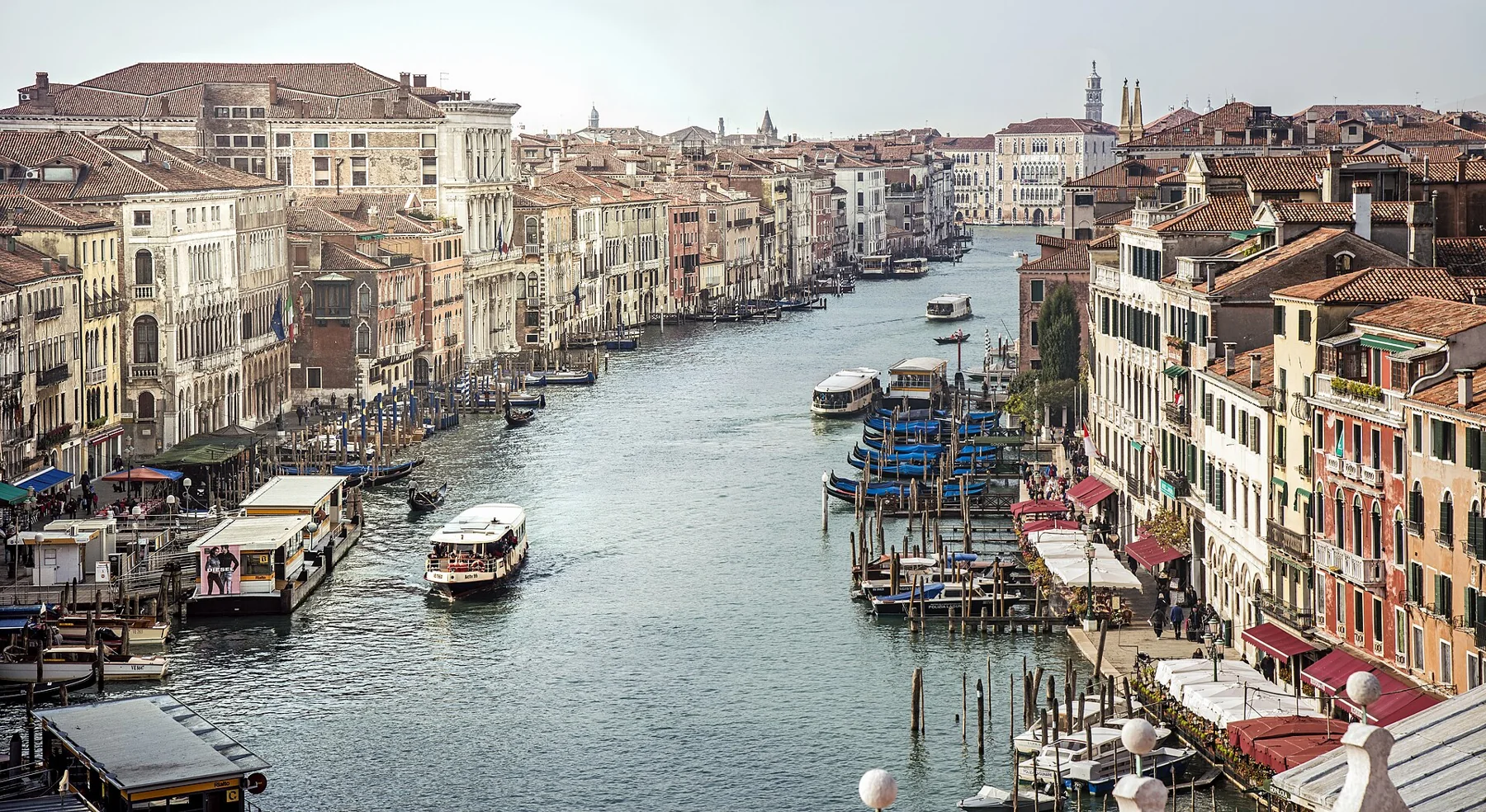
See the Grand Canal by vaporetto
A water-based alternative when a long walking itinerary does not suit you.
Distance: not surveyed. No verified maximum gradient or minimum passage width is available for these routes.
Google Maps
Opens Google Maps; no map is loaded until you open a link.
Route stops
Open route in Google Maps ↗ From Piazzale Roma ↗Google may suggest a different route or omit intermediate stops. Its walking directions do not certify wheelchair access. Follow the route notes and confirm barriers before travelling. Public transport options, not a guaranteed vaporetto sailing. Check the boat, landing and timetable with ACTV.
Route and stops
Plan a daytime journey from Ferrovia or Piazzale Roma towards San Marco, using the current ACTV timetable. Confirm the sailing, landing and return journey before boarding. Do not assume every service follows the same route.
Barriers and alternative
AVM describes equipped spaces on its navigation services. Confirm boarding conditions with staff for your wheelchair or mobility aid. Keep enough flexibility to wait for a suitable boat; a space is not a reservation.
Toilets and indoor breaks
Plan your toilet stop on land before boarding. No accessible onboard toilet is verified for this itinerary. Choose a confirmed accessible venue near your arrival point instead of relying on an unplanned stop.
Before you leave
Ask about the exact pontoon, boarding assistance and any size or weight restrictions for your aid. Walking distance depends on your starting point; boat duration and transfers must come from the current timetable.
Official sources
Photo credits: Didier Descouens · CC BY-SA 4.0
← All accessible itineraries